Compare screen sizes with a real menu layout
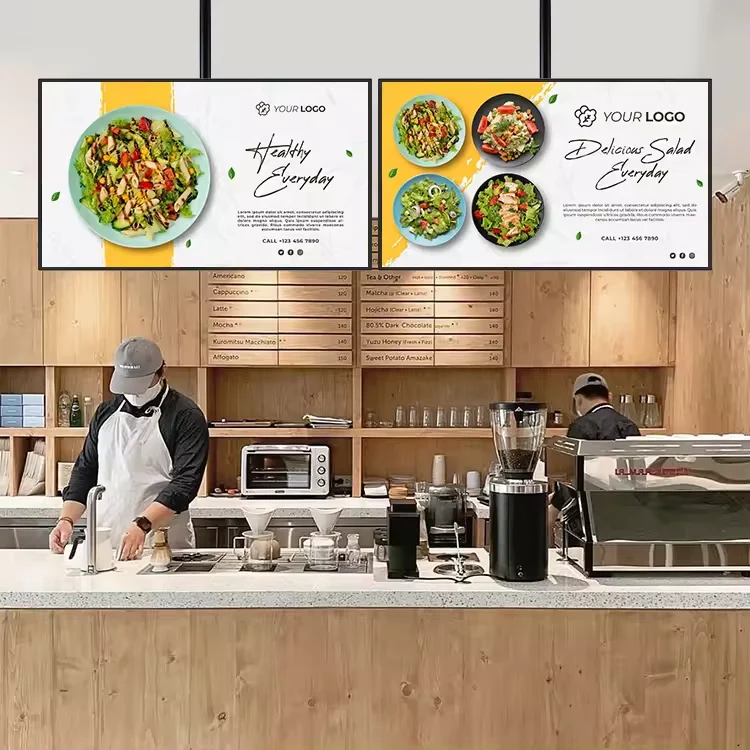
Build a layout mockup for the proposed arrangement. Place it in a counter elevation with the queue, pickup point and customer eye positions marked. Test the longest menu lines and price columns. Ask whether a simpler hierarchy would improve reading before assuming a larger cabinet is required. A screen can be technically adequate while the menu layout remains difficult to scan.
Alihh's 32-inch digital menu board and 43-inch menu-board configuration can be compared, but the diagonal alone does not prove fit. Request outline dimensions, weight, mounting requirements and the content area for the exact quoted unit. Ask whether the quoted mount or recess affects the usable front area. Put those figures on the drawing and check gaps, neighbouring equipment and service access.
Ask for a sample image of your approved menu at the intended output settings. Record revisions and approve a final reference file. If the supplier cannot provide a sample image, record that limitation before approval. This creates a practical basis for discussing readability with purchasing and design teams without inventing a universal viewing-distance rule.
Confirm the display configuration rather than a headline range
Alihh's menu-board category lists selectable brightness from 500 to 700 nits. Treat that as a range of options. The published 43-inch configuration lists 500 cd/m². Ask for the brightness, resolution, orientation and intended operating environment of the exact unit in your quotation. State whether the screens will be portrait or landscape and which content areas change during the day. Assess the proposal in the restaurant's real lighting rather than assuming every model has the highest listed value.
Photograph windows, reflections and light fixtures from customer viewpoints. Explain opening hours and whether the indoor position receives direct sun. For projects near glazing, ask what the supplier needs to review before confirming suitability. Ask the supplier to confirm the selected model's operating schedule and installation environment in writing. Do not convert a long service day into an assumed continuous-operation rating or outdoor suitability.
Attach the accepted specification sheet to the purchase record. If a brochure, web page and quotation disagree, request a corrected document for the ordered configuration. That record becomes the reference for sample approval, installation checks and any later repeat order.
Evaluate the CMS workflow and playback responsibilities
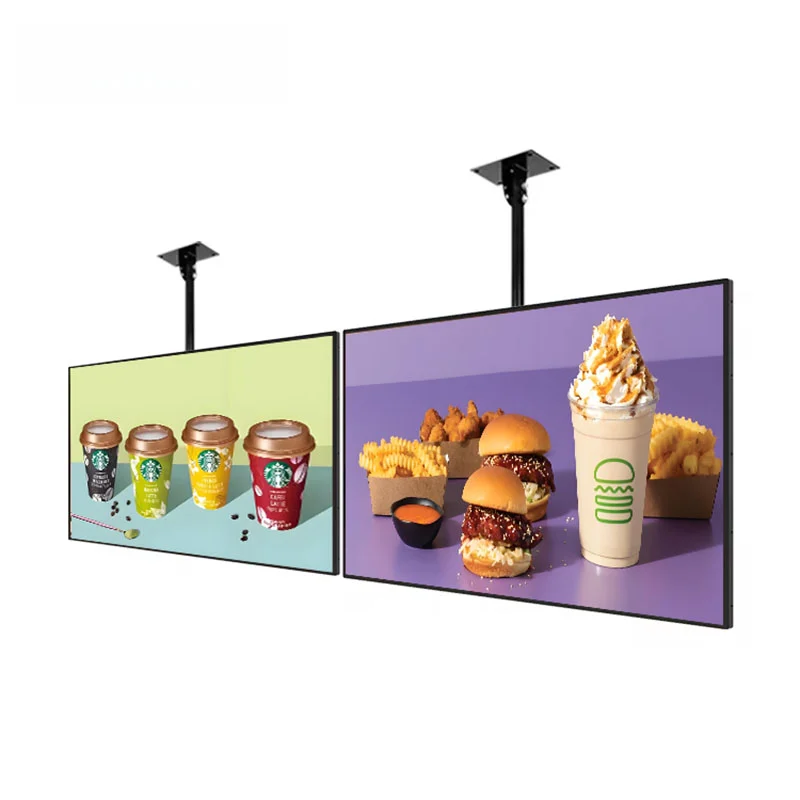
Alihh describes this range as having a built-in Android system with remote CMS support. Use that description to start a software discussion, not to conclude that a particular service, licence or update workflow is included. Request the proposed software name and version, publishing method, account administrator, licence charges and support route. State which staff roles need edit, approve and publish rights, and whether the restaurant requires an audit trail. Ask what happens if the licence expires or the restaurant changes provider.
The BrightSign Quickstart Guide is a general industry example that treats player setup, publishing methods and cloud services as separate topics. Use it to form questions about your own proposal. It does not establish compatibility between BrightSign and Alihh hardware, and vendor functionality should not be read as an Alihh capability.
Request a demonstration that begins with a normal menu edit and ends on the proposed screen. Confirm who signs in, selects destinations and checks the result. Test one price change and one sold-out notice; keep the observed result with the sample record. Ask for the documented recovery procedure after an interrupted update and note any network dependency. For software workflow details, compare the proposed process with the criteria in the digital menu board CMS evaluation guide.
Check mounting and site readiness before order release
Alihh describes wall and ceiling mounting for the menu-board range. That does not define the brackets, supporting structure, labour or finish included in a particular order. Ask who supplies the mount, who verifies the wall or ceiling, and how a technician will reach ports after the displays are fixed. If the ceiling is not suitable, record who proposes an alternative and who approves the revised drawing. Keep those answers in the installation scope.
The Ergotron VESA mounting guide explains that hole pattern and display weight are compatibility checks. Apply it using the documentation for the actual display and mount. This reference does not certify an Alihh model or confirm its mounting pattern.
Walk the installer through the full arrangement, including power, network, access and any external playback equipment. Confirm clearances from the selected equipment documents. Ask who will accept the installed position and the cable route before payment milestones are agreed. The digital menu board installation checklist can help assign site preparation and handover tasks before delivery.
Normalize quotations around scope and lifetime cost
Ask every supplier to quote against the same schedule: display configuration, accessories, software charges, content services, packing, freight assumptions, installation responsibilities and optional items. Mark exclusions and validity. Ask whether commissioning, training and content migration are listed or excluded. Request written warranty and service terms for the quoted order, including who diagnoses a fault and who arranges transport.
Compare more than the display line price. Include the labour and equipment needed for mounting, the staff time required to publish menus, recurring software costs and the process for replacing a failed unit. Request the warranty start point and the process for obtaining replacement parts without assuming either. Do not insert assumed prices or delivery periods; request them as written quotation inputs. The digital menu board cost guide explains how to separate capital, installation and operating scope.
If branding or another custom result is required, provide artwork or a functional description and ask the manufacturer to confirm feasibility, approval steps, quantities and timing. Ask whether a sample approval is required before the production run. Keep unconfirmed customization outside the accepted specification until a written response is attached.
Use an operational sample review as acceptance evidence
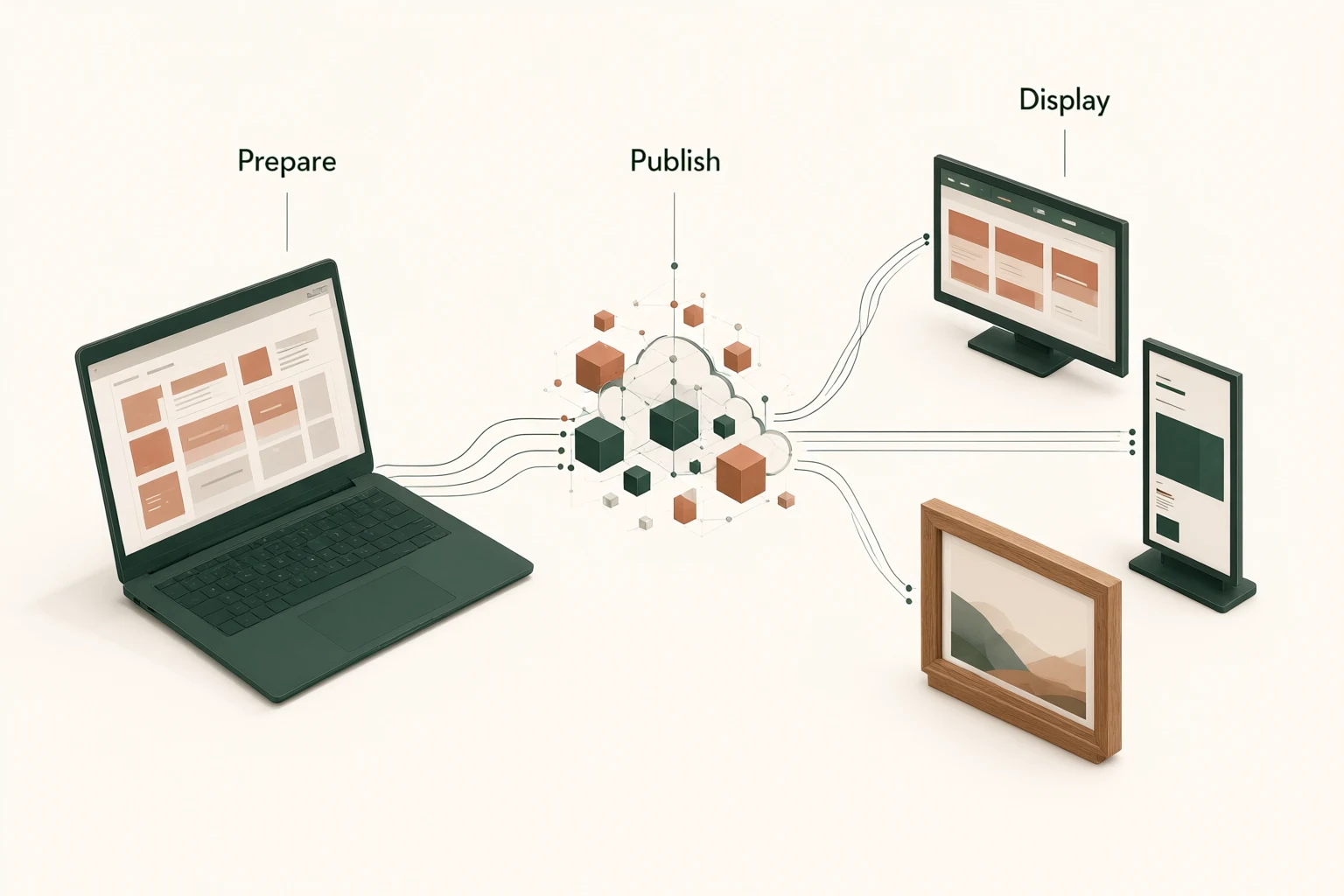
Prepare a review sheet with the menu file, orientation, customer viewpoints and software tasks to be checked. Schedule the review before the order is released, not after the displays arrive on site. Ask the person who will maintain content to make an approved edit and confirm the correct screen. Record permissions or training needed. A supplier demonstration is not the same as completed staff handover.
Check the physical sample against the installation drawing and accessory list. Request an agreed restart test and demonstrate the documented update-recovery route where supported. Label any feature that was not tested as unverified rather than describing it as proven.
Separate acceptance failures from preferences. A wrong price on the wrong display requires correction; a background colour may only need artwork revision. Give each open item an owner and pass condition. Repeat the affected checks after correction and retain the signed reference file. Approve the corrected specification before using the sample as the baseline for a wider purchase.
Prepare an RFQ that supports a comparable quotation
Send the intended indoor setting, menu sample, screen arrangement, quantities by location, desired publishing workflow and site photographs. List the site contact, desired delivery address and any access limits, but ask the supplier to confirm assumptions. Identify custom requests and ask for confirmation of lead time rather than assuming a date. Request a configuration-specific proposal that lists exclusions, unresolved questions and documents needed by the installer.
Once the order scope is agreed, keep the accepted specification with the site checklist so installers, content operators and purchasing work from one version. Ask for an itemized list of what will be shipped and what the installer must provide. Send your menu-board requirements to Alihh with the layout, location photos and the software tasks you need demonstrated. A useful reply will answer the operating brief, state what still needs confirmation and define the next decision.
Frequently asked questions
What should a restaurant include in a digital menu board RFQ?
Include the intended indoor setting, a real menu file, screen arrangement, quantities by location, site photographs and the publishing workflow you need demonstrated. List content owners, custom requests, installation assumptions and the documents required by your installer. Ask for a configuration-specific quotation with exclusions, optional items and open questions stated in writing.
Can the published 43-inch 500 cd/m² figure be applied to every menu board?
No. That figure belongs to the published 43-inch configuration. AliHH's category lists selectable brightness from 500 to 700 nits as a range of options. Request the brightness, resolution, orientation and operating environment of the exact quoted unit, then review it in the restaurant's real lighting before approval.
Does built-in Android and remote CMS support mean software, licensing and support are included?
Do not assume that. Ask for the proposed software name and version, publishing method, account administrator, licence charges, support route and what happens if a licence expires. Request a demonstration of a normal menu edit, a price change and an interrupted-update recovery procedure. Record what was demonstrated and what still requires written confirmation.
Sources and further reading
External references explain general planning principles. They do not establish Alihh product compatibility or model-specific specifications.